Guide
Midnytes Fishing Macro Setup
Set up Midnyte's fishing macro: where to get it, the best spot on the Mistfall Docks, and calibrating the cast point, fish bar, and exit button.
3 min read · Updated Oct 2, 2026
Midnyte's macro walkthrough
Setup steps
- 01
Join Midnyte's Discord and get the macro
Join with this invite: https://discord.gg/YTJV6eaudF. Once you're in, the macro is in the #macro channel under the Extras category. Download and install it from there.
- 02
Pick your fishing spot
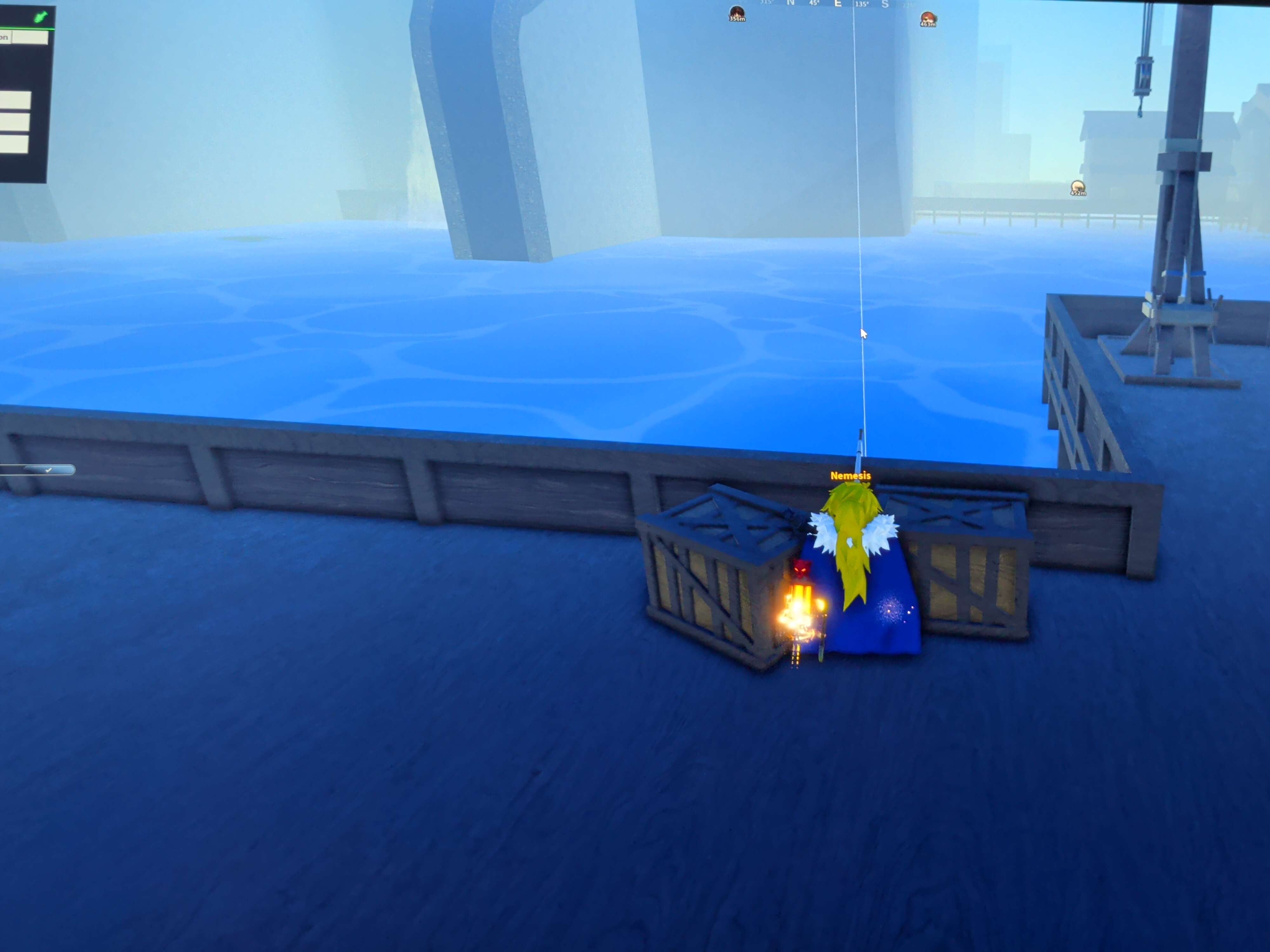
There are two spots right now, but the better one is on the Mistfall Docks, near Sofen. Stand at the edge of the dock next to the crates and fish out over the open water.
- 01
Line up your camera
Angle the camera so you're looking out over open water with the dock edge along the bottom of the screen. Keep obvious lilypads out of view, since they can throw the macro off.
- 02
Calibrate the cast point
In the macro, choose Calibrate Cast Point, then click the spot on screen where your cast lands. That's all it needs.
- 03
Calibrate the fish bar and exit button
Both work the same way, but with a click and drag instead of a single click. For the fish bar, click just above it near a corner, then drag down and slightly off of it. For the exit button, click just beside it and drag a little bit off of it, same idea as fishing bar or vice versa.
Optional: riix's main.cpp edits
I also made my own optional edits to Midnyte's main.cpp. These are mostly timing and failsafe changes for the version I personally use.
What my edits change
- Shortens the T hold from 4 seconds to 3 seconds.
- Holds T twice instead of only once — 3 seconds, a 2 second gap, then another 3 second hold.
- Adds extra recovery and failsafe behavior if a cast, hook, target detection, or collection step gets stuck.
- Adds a post-cast safety cooldown so it does not immediately click again at the wrong time.
- Uses the calibrated red Exit area to help confirm when the fishing minigame is actually ready to reel.